What Is the Signal App and Is It Safe for Teens?
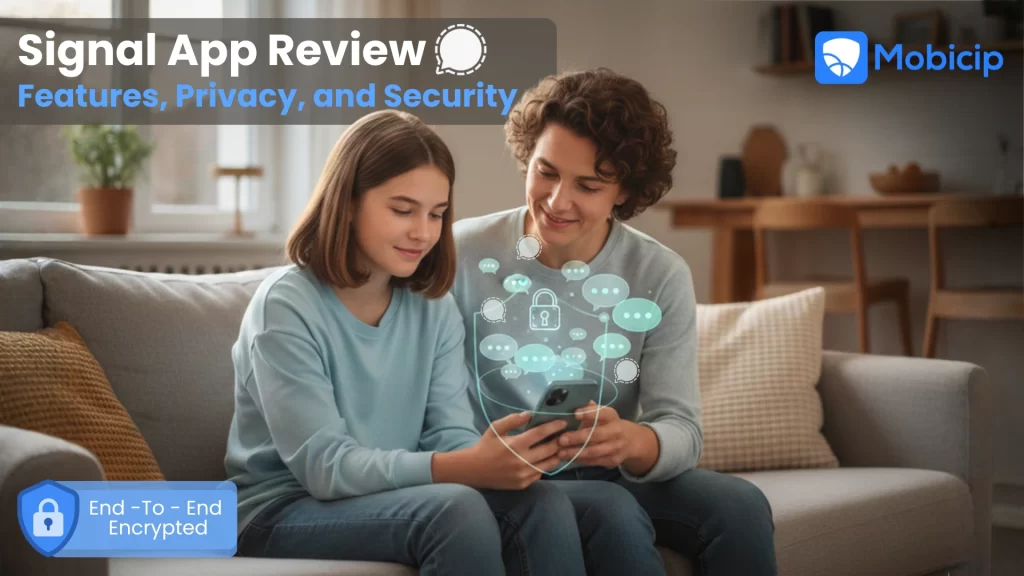
The Signal App is a privacy-focused messaging platform that offers end-to-end encrypted text messages, voice calls, video calls, and file sharing. While it is widely respected for strong security and zero tracking, it does not include built-in parental controls, which means teens may require device-level supervision for safer use.
In a world where digital privacy is becoming increasingly important, the Signal App has emerged as one of the most trusted messaging platforms available today. Known for its strong encryption, zero ads, and commitment to user privacy, Signal has gained popularity among journalists, activists, professionals, and everyday users alike.
But what exactly makes the Signal App stand out? Let’s take a closer look at its privacy protections, and features, and how Mobicip can enable safe Signal use by teenagers.

What Features Does the Signal App Offer?
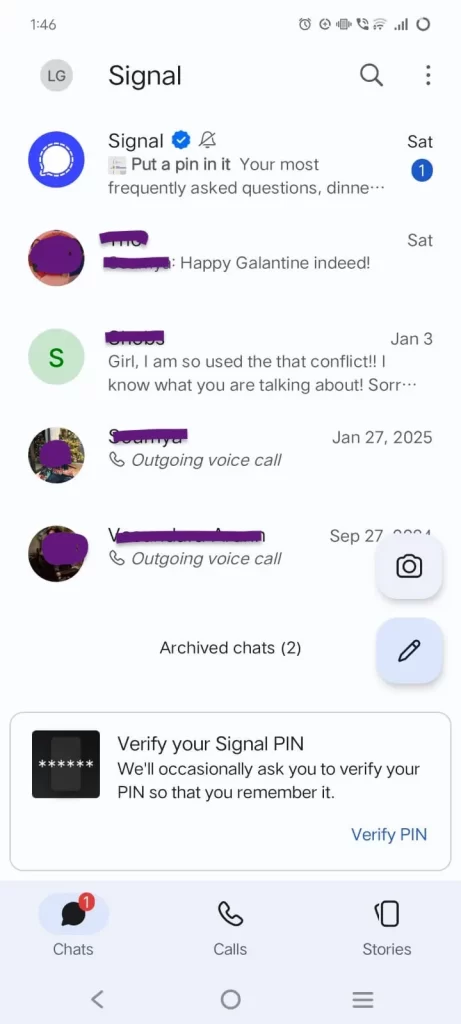
The Signal App offers secure one-on-one messaging, encrypted group chats, disappearing messages, voice and video calls, and file sharing. It works across mobile and desktop platforms and uses end-to-end encryption by default. The interface is clean and simple, making private communication accessible even for first-time users.
Messaging and Group Chat Features in Signal App
The Signal App offers:
- Secure one-on-one messaging
- Fully encrypted group chats
- Disappearing messages
- Message reactions
- Optional read receipts
The interface is clean, fast, and easy to use.
High-Quality Voice and Video Calls on Signal App
Signal supports encrypted:
- Voice calls
- Video calls
- Group video calls
Audio and video quality are typically clear, with minimal latency.
File Sharing and Media in Signal App
Users can securely share:
- Photos
- Videos
- PDFs
- Documents
- Voice notes
All shared content remains encrypted.
Multi-Platform Access: Using Signal App on Mobile and Desktop
The Signal App works seamlessly across:
- iOS
- Android
- Windows
- macOS
- Linux
You can link your mobile account to the desktop version and sync conversations securely without weakening encryption.
What Makes the Signal App Stand Out for Privacy?
Signal stands out for privacy because it encrypts all messages, calls, and shared media by default using the Signal Protocol. It does not sell user data, display ads, or collect unnecessary metadata. Operated by the nonprofit Signal Foundation, the app prioritizes user privacy over advertising revenue.
Here are some features that make the Signal App safeguard user privacy
End-to-End Encryption
At the core of the Signal App is end-to-end encryption (E2EE). This means:
- All text messages are encrypted by default
- Voice and video calls are encrypted
- Photos, videos, and documents are encrypted
- Group chats are fully protected.
Only the sender and the intended recipient can read or listen to the content. Even the organization behind Signal : The Signal Foundation, cannot access user messages
Signal uses the widely respected Signal Protocol, which is also adopted by other major messaging apps. This ensures that your private conversations stay truly private.
No Ads, No Tracking
Unlike many messaging platforms, the Signal App does not:
- Sell your data
- Track your behavior
- Display ads
- Collect unnecessary metadata
Signal operates as a nonprofit and is supported by donations rather than advertising revenue. This business model allows the platform to prioritize privacy over profit.
For users concerned about digital surveillance or targeted advertising, this is a major advantage.
What is Signal Proxy?
A Signal proxy is an optional setting that routes encrypted traffic through a third-party server before reaching Signal’s servers. It helps users connect when access to Signal is restricted. Although messages remain end-to-end encrypted, proxies can introduce risks, especially for young users who may bypass safeguards.
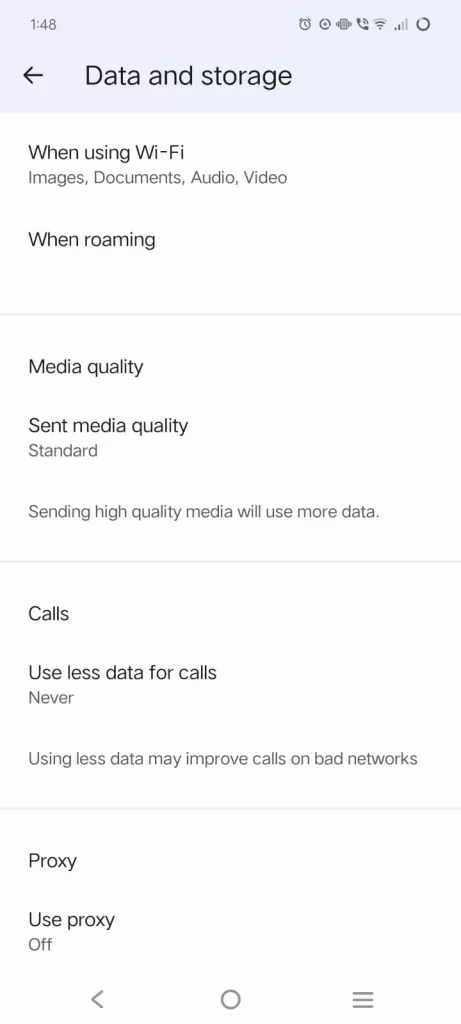
In Signal, a proxy is an optional setting that routes your Signal messages through a third-party server before they reach Signal’s servers.
In simple terms:
- Instead of your phone connecting directly to Signal
- It first connects to a proxy server
- The proxy then forwards the encrypted connection to Signal
How It Works
When you enable a proxy in Signal:
- Your app connects to the proxy server
- The proxy forwards your encrypted traffic to Signal’s servers
- Signal still cannot read your messages because they remain end-to-end encrypted
The proxy only sees that you are connecting to Signal, it cannot read your chats, calls, or media.
Why a Signal Proxy Is Useful
A Signal proxy can help users stay connected when direct access to the app is limited or blocked. Whether the restriction comes from government censorship, institutional network controls, or unstable internet infrastructure, a proxy offers an alternative route that keeps communication open and reliable.
- Bypassing Censorship: In some countries, access to Signal is restricted or completely blocked. A proxy allows users to connect indirectly to Signal’s servers, helping them continue to use the app despite these limitations.
- Improving Connectivity in Restricted Regions: In areas where internet access is filtered or unstable, a proxy can sometimes provide a more consistent path to Signal’s network. This may help users maintain a steadier and more reliable connection.
What Are the Risks of Using a Signal Proxy for Kids and Teens?
Using a Signal proxy can allow teens to bypass parental controls, reduce visibility into app usage, and expose them to unverified proxy servers. While encryption protects message content, proxies may encourage secrecy, create a false sense of anonymity, and increase exposure to online risks such as grooming or unsafe connections.
While a Signal proxy is not inherently dangerous, it can introduce certain risks for children and teenagers. Proxies are typically used to bypass blocks or filters, which means they may place young users in online environments with fewer safeguards and less supervision.
Bypassing Parental Controls and Safeguards
Many parents, schools, and networks restrict access to certain apps for safety reasons. If Signal is blocked at the home WiFi level, through device controls, or by a school network, a proxy may allow a child to work around those protections. This reduces parental visibility into how and when the app is being used. Deliberately avoiding safeguards can also normalize rule evasion, making teens more likely to bypass other digital safety measures in the future.
Communication without supervision
Signal already offers strong end-to-end encryption. Adding a proxy can make usage even less visible at the network level. When communication becomes more intentionally hidden, it may increase vulnerability to online grooming, peer pressure, harassment, or the sharing of inappropriate content. Actively seeking out proxy tools can sometimes signal secrecy that puts young users at greater risk.
Exposure to Untrustworthy Proxy Servers
Not all proxy servers are reliable or safe. Children may obtain proxy addresses from strangers online or from unverified websites. Poorly managed or malicious proxies can log IP addresses, monitor traffic patterns, collect metadata, or even redirect users to unsafe connections. Because proxy operators are often anonymous, there is limited accountability if something goes wrong.
A False Sense of Total Anonymity
Using a proxy does not make someone invisible online. Teens may overestimate how anonymous or untraceable they are, which can lead to risky decisions such as oversharing personal information or engaging with unknown contacts. While Signal protects message content with encryption, a proxy does not eliminate broader online safety risks.
Does the Signal App Need Parental Controls?
Signal is designed for privacy, not child safety, and does not include built-in parental monitoring, content filtering, or usage reports. While adults may not need additional safeguards, teens may benefit from device-level parental controls that help manage screen time, app access, and overall digital habits.
As more teens download privacy-focused messaging apps, many parents wonder whether additional safeguards are necessary. Signal is widely respected for its strong encryption and commitment to user privacy, but those same features can raise questions about supervision when younger users are involved. Understanding what Signal does and does not offer can help families make informed decisions.
Signal App Focuses on Privacy, Not Age Safety
Signal is designed as a secure messaging platform, not as a child safety tool. Its primary goal is private communication through strong end-to-end encryption. It does not include:
- Built-in parental monitoring
- Content filtering
- Usage reports
- Message visibility for parents
Because of its encryption model, even parents cannot read conversations within the app. This privacy-first design is intentional, but it also means there are no in-app safeguards specifically tailored for children or teens.
How Parental Controls Can Add a Safety Net
While Signal itself does not offer parental supervision features, device-level parental control tools can provide structure and oversight. These tools do not break encryption, but they can help families manage when and how apps are used.
How Can Mobicip Help Parents Manage Signal App Use?
Mobicip helps parents manage Signal use by setting screen time limits, restricting app access, monitoring usage patterns, and detecting VPN or proxy configurations. While it does not break Signal’s encryption, it adds structure and visibility at the device level to support safer communication habits.
⬇️
Mobicip works at the device level, allowing parents to create boundaries without accessing private message content. It can help families by:
- Setting daily screen time limits
- Scheduling device-free hours, such as during homework or bedtime
- Blocking or restricting access to specific apps, including messaging apps
- Monitoring overall app usage patterns
- Detecting VPN or proxy configurations that may be used to bypass restrictions
- Providing activity reports for better visibility
This approach supports safer digital habits while still respecting personal privacy within encrypted apps.

How Parents Can Ensure Online Safety
Technology controls are only part of the solution. Parents can strengthen digital safety by:
- Having open conversations about privacy versus secrecy
- Explaining why privacy tools exist and when they are appropriate
- Periodically checking device settings for unfamiliar proxy or VPN configurations
- Setting clear expectations about responsible communication
- Focusing on trust and guidance, not only restrictions
In short, a Signal proxy is intended to help people access secure communication in regions where censorship exists. The concern arises when children use it to bypass safeguards or engage in secretive communication without fully understanding the risks.
The most effective protection combines digital literacy, open dialogue, clear boundaries, and age-appropriate supervision.
FAQs
1. What is the Signal app?
The Signal App is a free, privacy-focused messaging platform offering encrypted text messages, voice calls, video calls, and file sharing.
2. Is the Signal app really secure?
Yes. Signal uses end-to-end encryption by default. Even the Signal Foundation cannot access your messages.
3. Can the Signal app be used for group chats?
Yes. Signal supports fully encrypted group chats.
4. Does Signal app track user data or show ads?
No. Signal does not track users or display ads.
5. How do I set up Signal app on my phone or desktop?
Download it from your app store, register with your phone number, and link the desktop version if needed.
6. Can I make voice and video calls on the Signal app?
Yes. Signal supports encrypted voice and video calls, including group calls.
7. How does Signal app compare to WhatsApp and Telegram?
Compared to WhatsApp and Telegram:
- Signal encrypts everything by default | Telegram does not encrypt all chats by default
- Signal collects minimal user data | WhatsApp collects more metadata
8. Can Signal app be used for file sharing and media?
Yes. All shared media and documents are encrypted.
9. Is the Signal app suitable for kids or teens with parental oversight?
It can be used by teens, but it does not include built-in parental controls. Additional supervision tools may be helpful.
10. Does the Signal app need parental controls?
For adults, no. For younger users, pairing Signal with parental guidance and device-level controls may provide a safer experience.