Articles in this section
What can I do with the Mobicip Basic Plan?
- What has changed in the new app version?
-
What can I do with the Mobicip Basic Plan?
The Mobicip Basic Plan gives you what you need to get started with digital parenting. You can monitor your child’s daily activity, manage screen time, block apps and websites, and protect up to two devices—all at no cost.
You can upgrade at any time to a Mobicip subscription to unlock advanced parental controls, deeper insights, and more flexible ways to manage your child’s digital routine. Until then, here’s what you can do with the Basic Plan:
Highlights
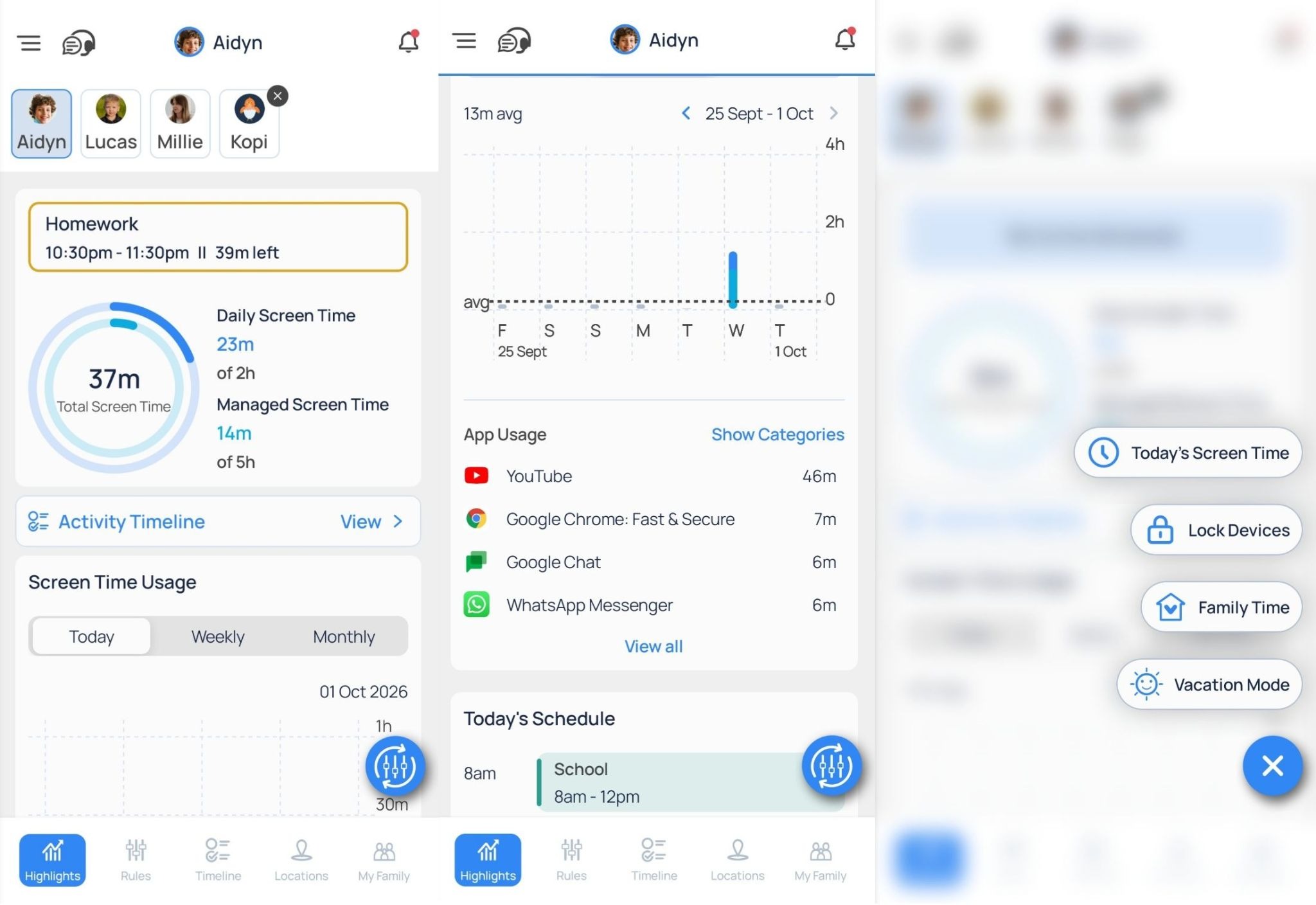
Highlights is your child's daily activity dashboard, giving you a quick overview of how they're using their device.
With the Basic Plan, you can:
- View the current day’s Daily and Managed Screen Time used, apps used, app categories used and the day’s schedules.
- Access the current day’s Activity Timeline.
- Use Quick Controls to:
- Lock your child's device instantly.
- Edit the current day’s screen time once or allow access for the rest of the day.
Activity Timeline
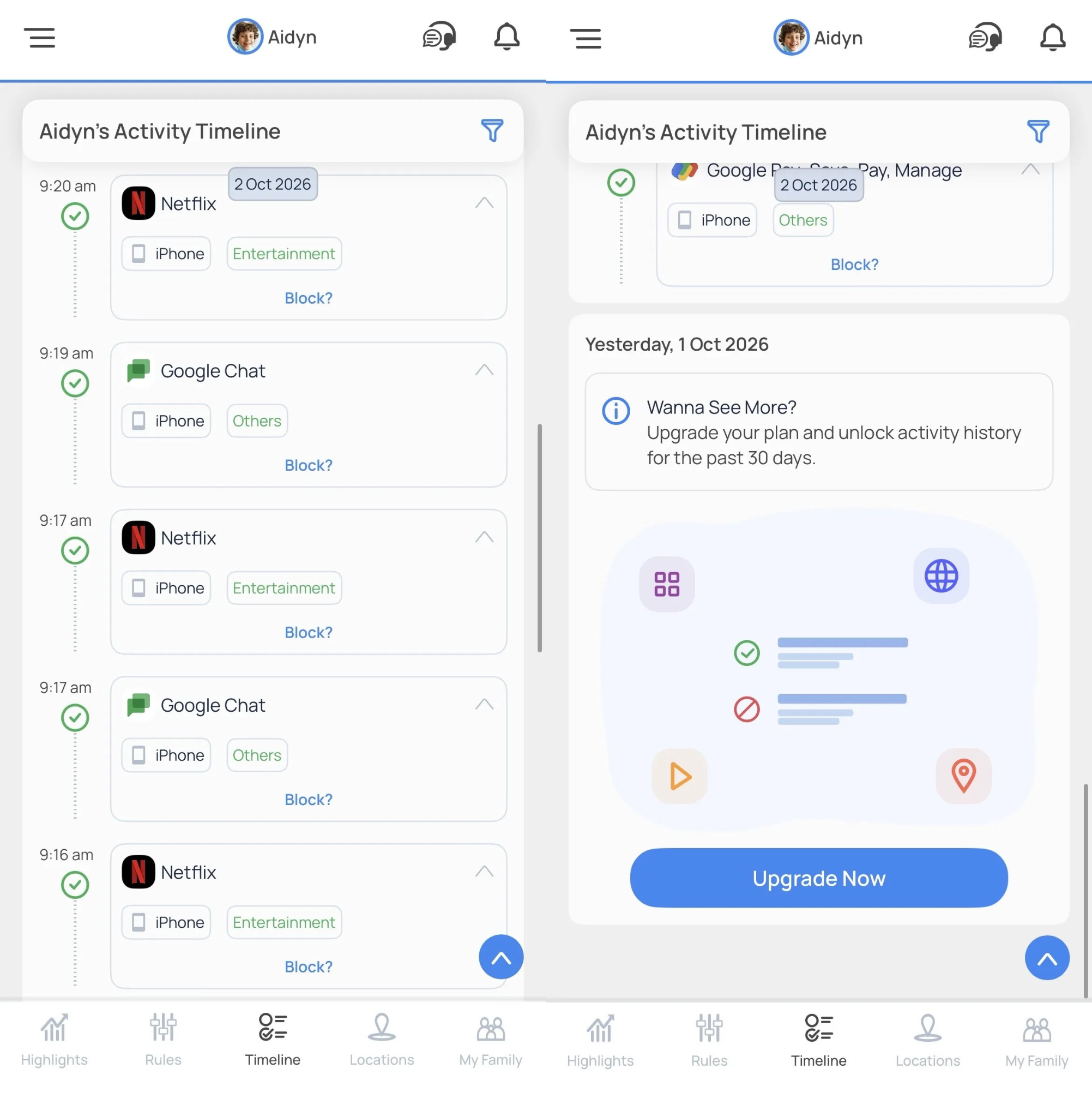
You can view your child’s current day apps, websites and location activity and stay up to date throughout the day.
Upgrading to a subscription gives you access to up to 30 days of activity history, making it easier to review patterns and monitor long-term habits.
Rules
Mobicip Rules lets you customize how your child uses their device. Here you can set:
- Daily Screen Time - Set and edit your child's daily screen time to limit device usage.
- Sleep Time - Create a bedtime routine to ensure your child stays off their device during this time.
- Customize web filters - Block or allow websites, website categories and block keywords.
- Manage your child's apps - Block individual apps or app categories such as Social Media, Entertainment, and Games.
Upgrading to Premium lets you set daily time limits for both individual apps and app categories.
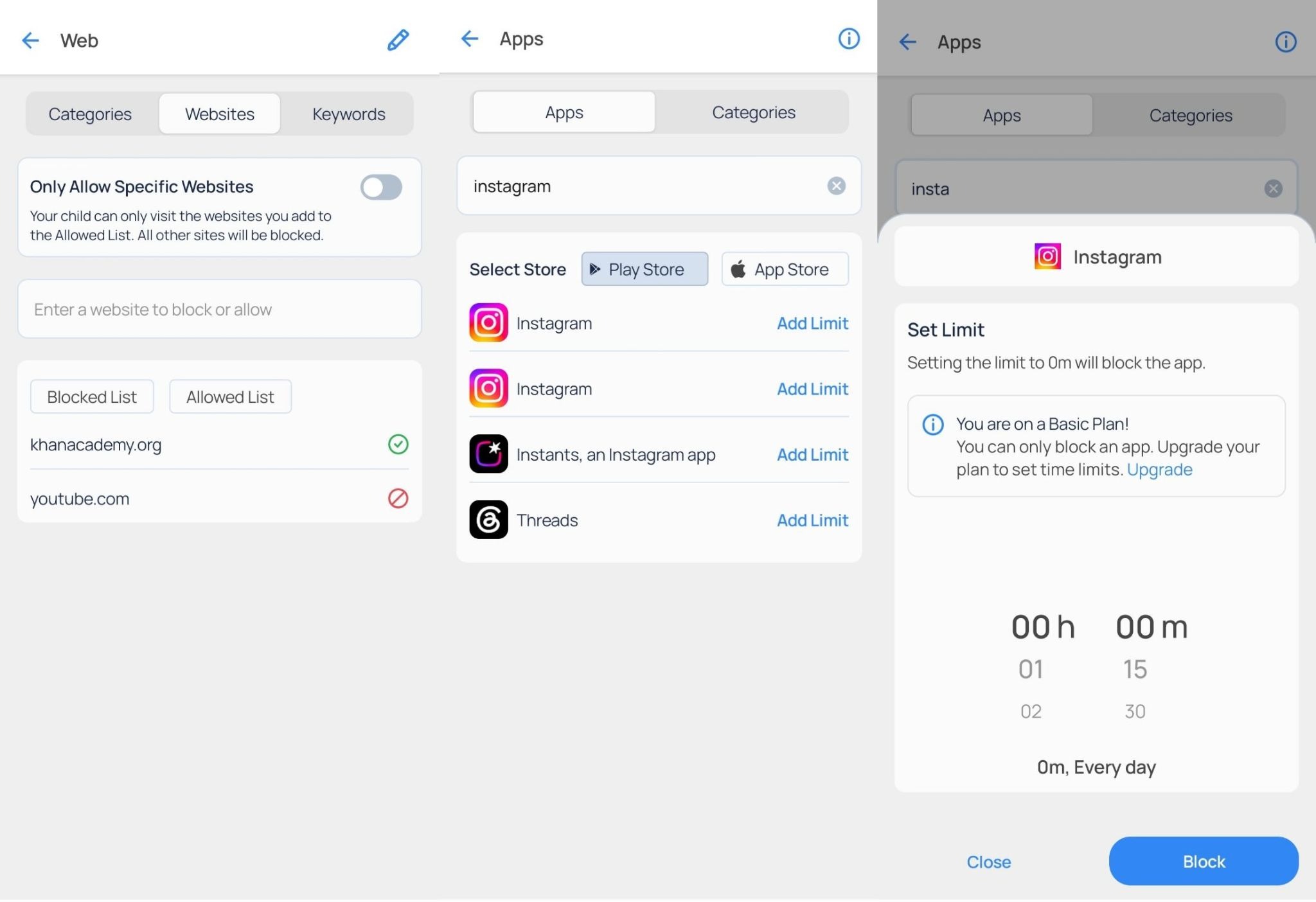
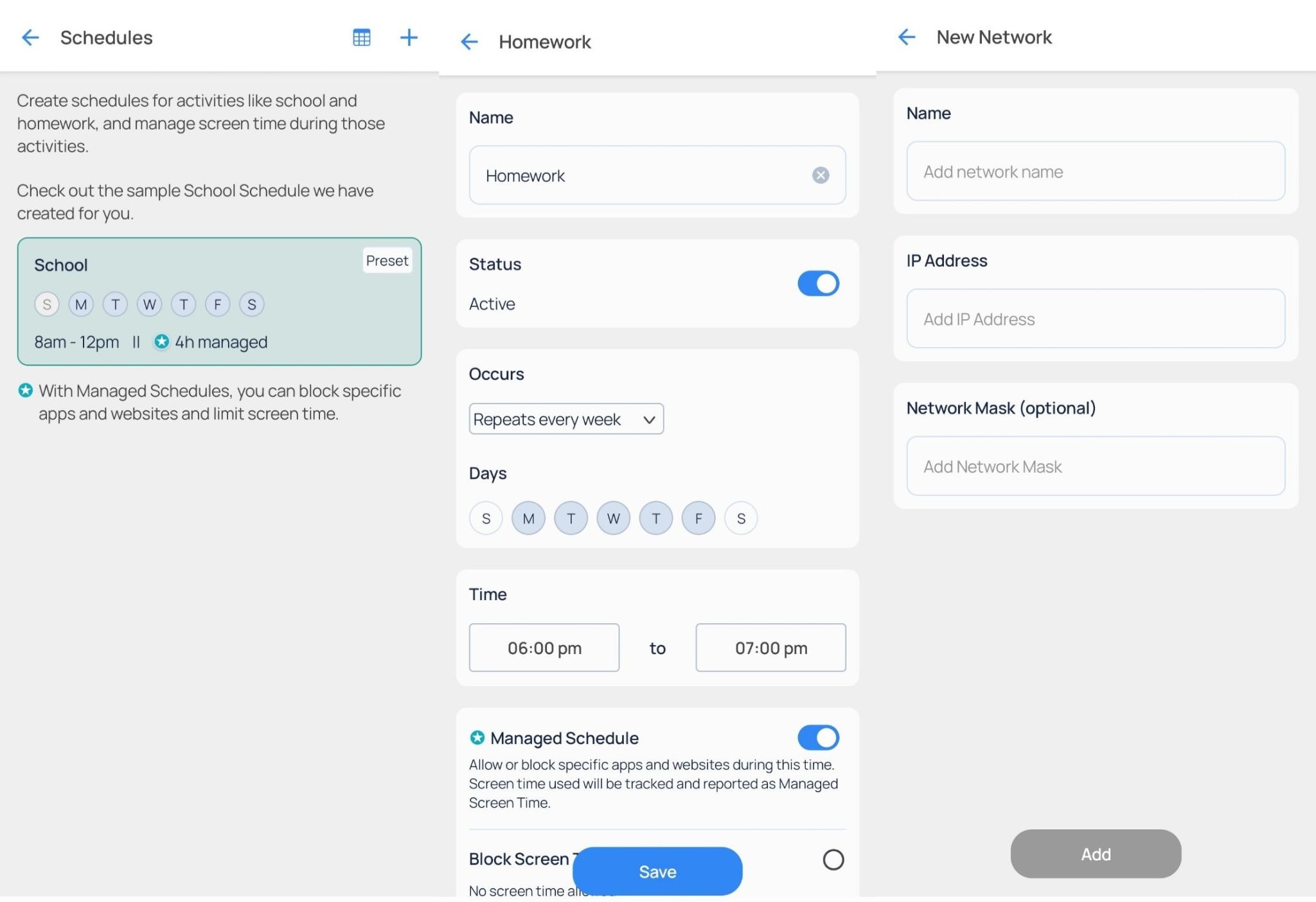
- Schedules - Includes the preset School schedule, which you can customize to fit your child's routine.
By upgrading your subscription, you can:
- Create multiple custom schedules.
- Set up Managed Schedules with separate app, web, and screen time rules.
- Copy schedules between children.
-
View all schedules in the Schedules Calendar.
- Networks - Manage trusted Wi-Fi networks on your child's device. You can exempt trusted Wi-Fi networks from Mobicip’s protection.
Vacation Mode
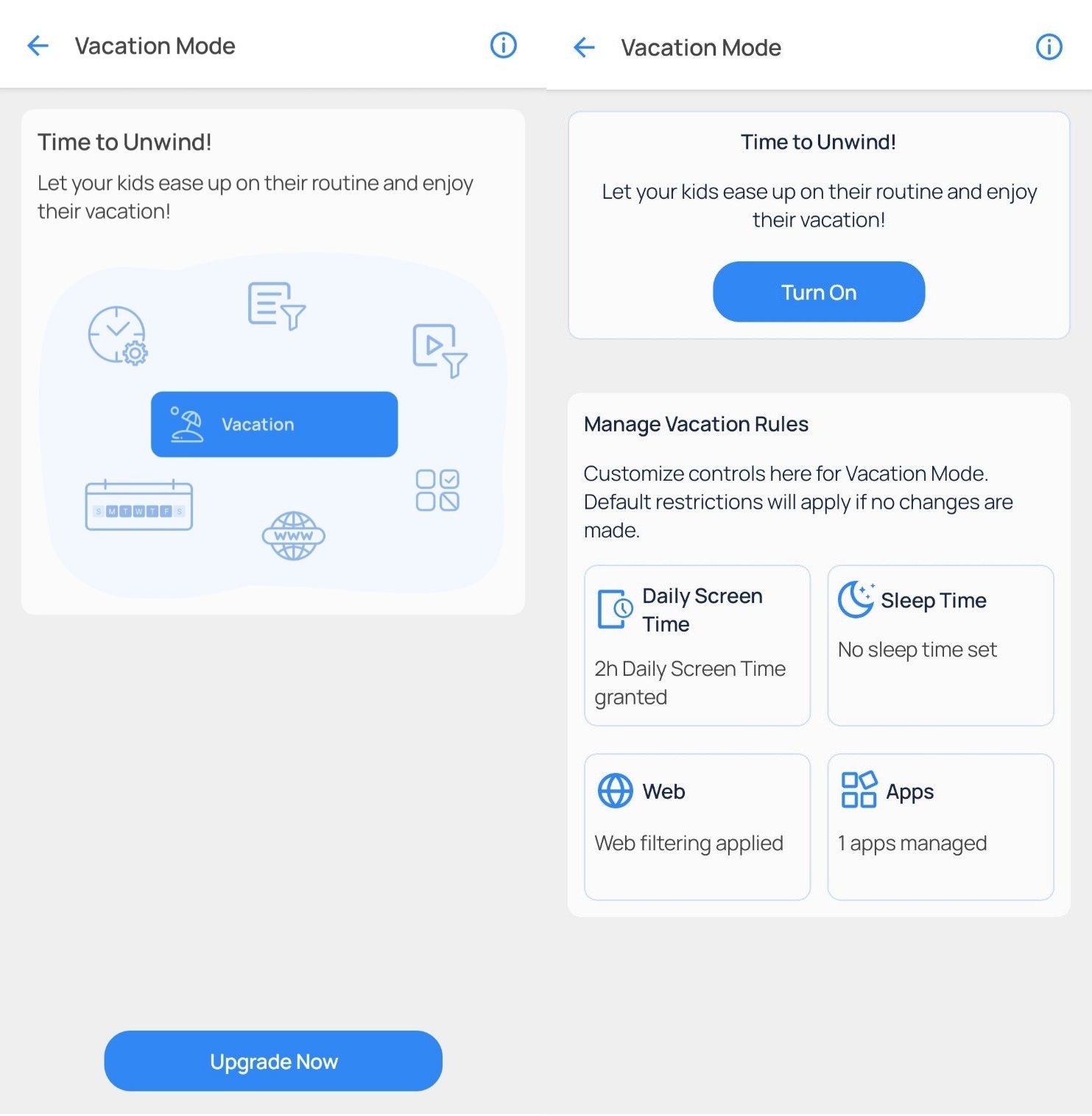
Vacation Mode is available with a Mobicip subscription, allowing you to temporarily relax rules and schedules while maintaining the controls you choose.
Locations
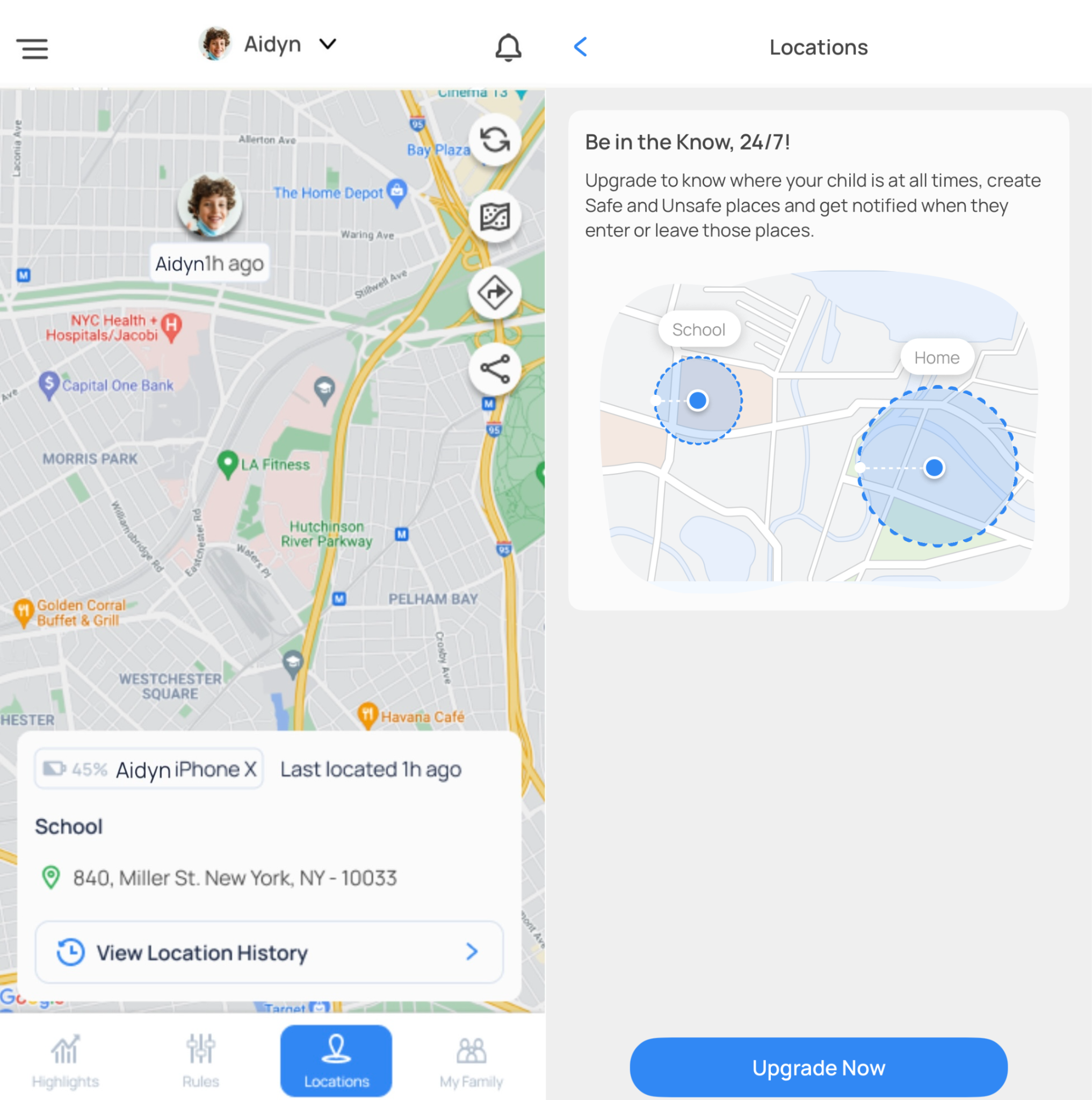
The Locations section helps you stay informed about your child's whereabouts. You can:
- View your child's current location.
- View today's location history.
A premium subscription can give:
- Access to 30 days of location history.
- Save important places such as Home and School.
- Create geo-fences and receive entry and exit alerts.
- Share live or current locations.
My Family
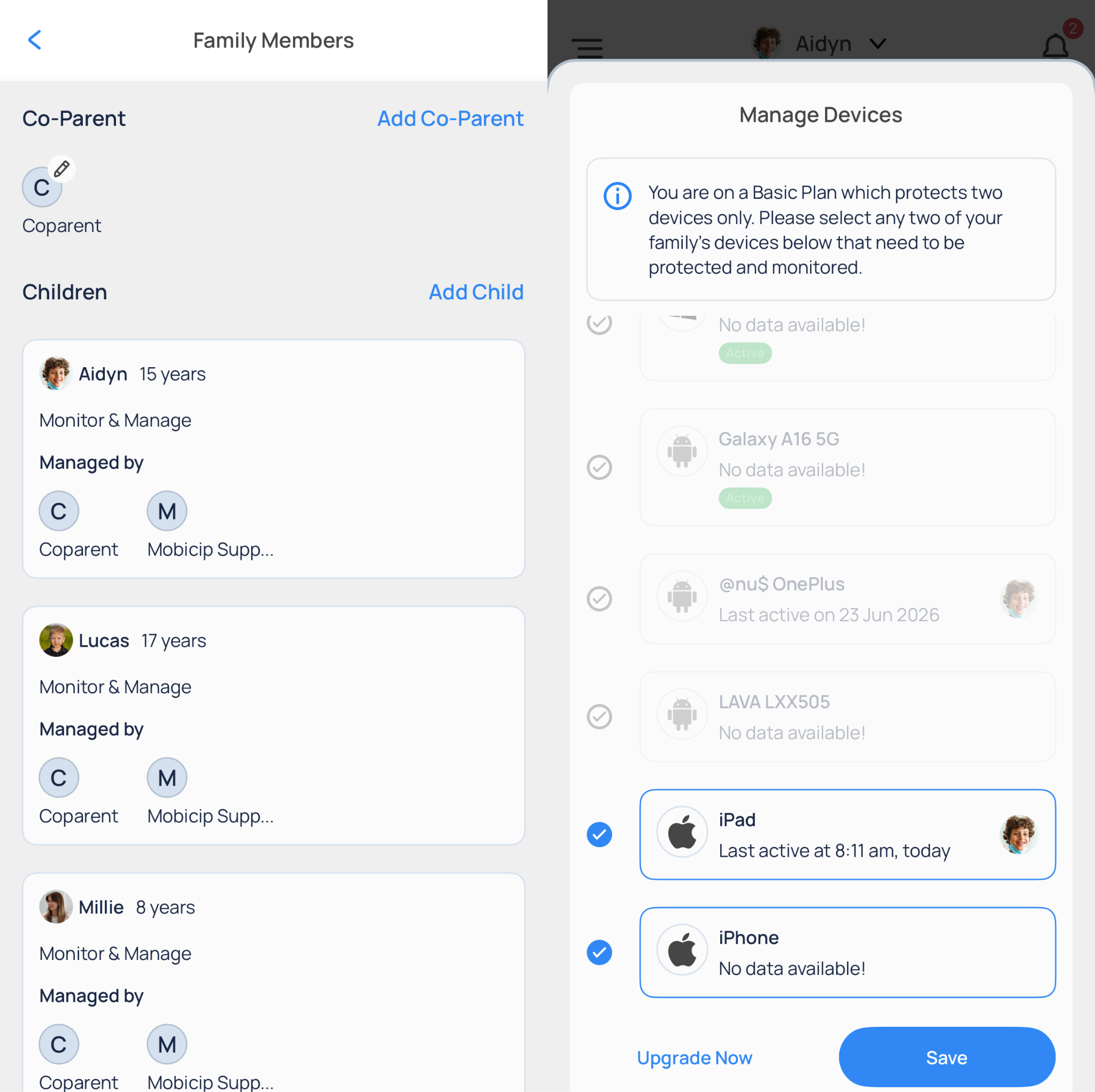
The My Family section helps you manage your family and connected devices. With the Basic plan, you can:
- Protect up to 2 devices.
- Create child profiles.
- Add co-parents or guardians to your account.
- Manage your family's registered devices.
Unlock Even More with Mobicip Premium
Upgrade to a Mobicip subscription to enjoy additional features designed to give you greater flexibility and peace of mind, including:
- Individual app time limits
- App category time limits
- Multiple custom schedules
- Managed Schedules
- Vacation Mode to temporarily relax rules
- Saved locations and geo-fencing
- Family Locator
- Family Time
- Social Media Monitoring
- Up to 30 days of activity and location history
- Weekly and monthly screen time insights
Whether you're just getting started or looking for more advanced parental controls, Mobicip has a plan that grows with your family. Get started today!