Mobicip vs MMGuardian
Why Choose Mobicip Over MMGuardian

 …
…
Parental Control Feature Analysis
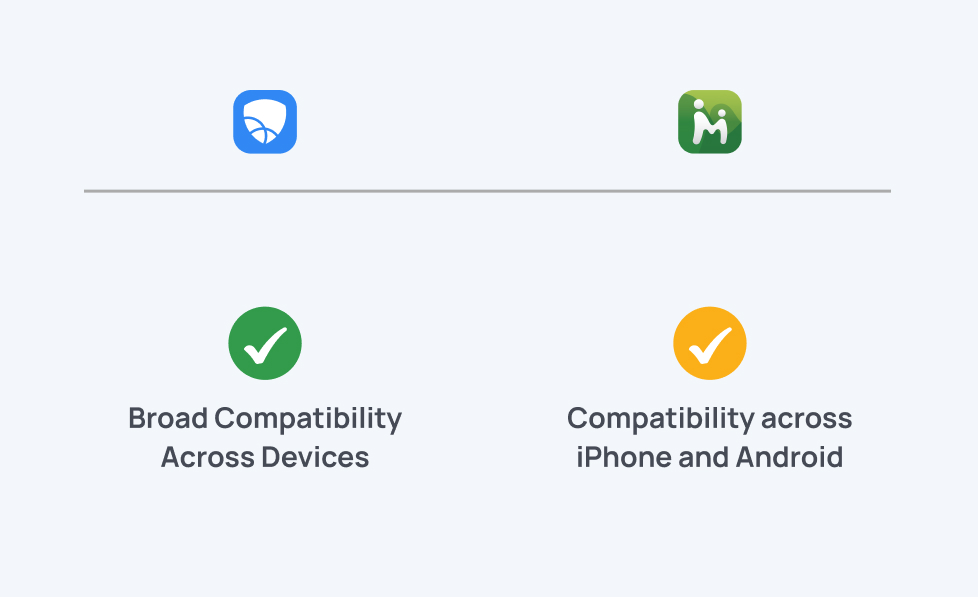
Supported Devices
Wide compatibility means all devices in the home can stay protected under one system.
Mobicip: iPhone, iPad, Android, Windows, Mac, Chromebook
MMGuardian: iPhone and Android.
iOS Device Compatibility
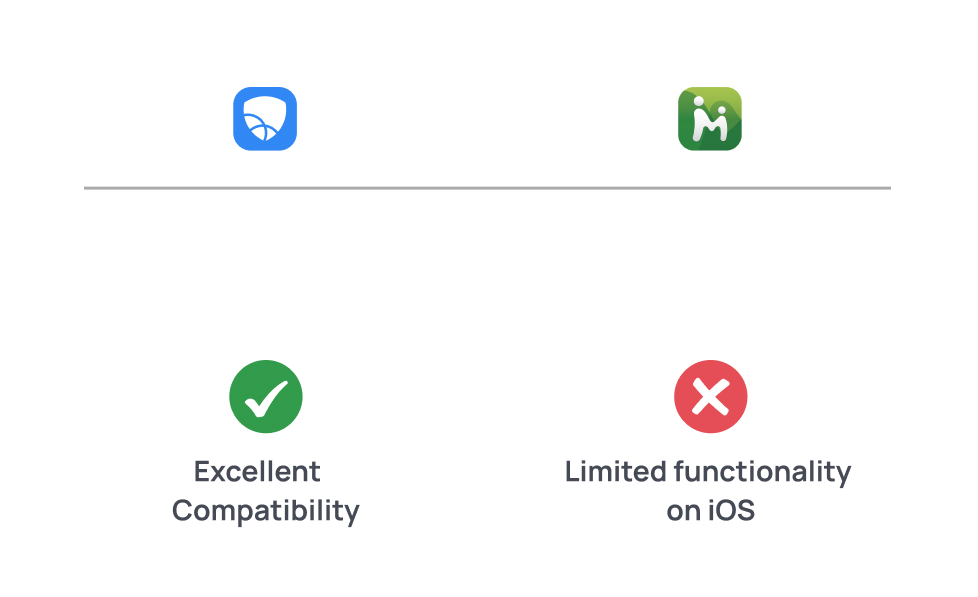
Strong iOS compatibility ensures that parental controls work smoothly on iPhones and iPads without complex workarounds.
Mobicip: Offers easy setup, reliable monitoring, and smooth integration with Apple Screen Time, making daily management simple and consistent.
MMGuardian: Provides limited functionality on iOS, with fewer monitoring features and reliance on a Safe Browser for filtering.
Free Trial
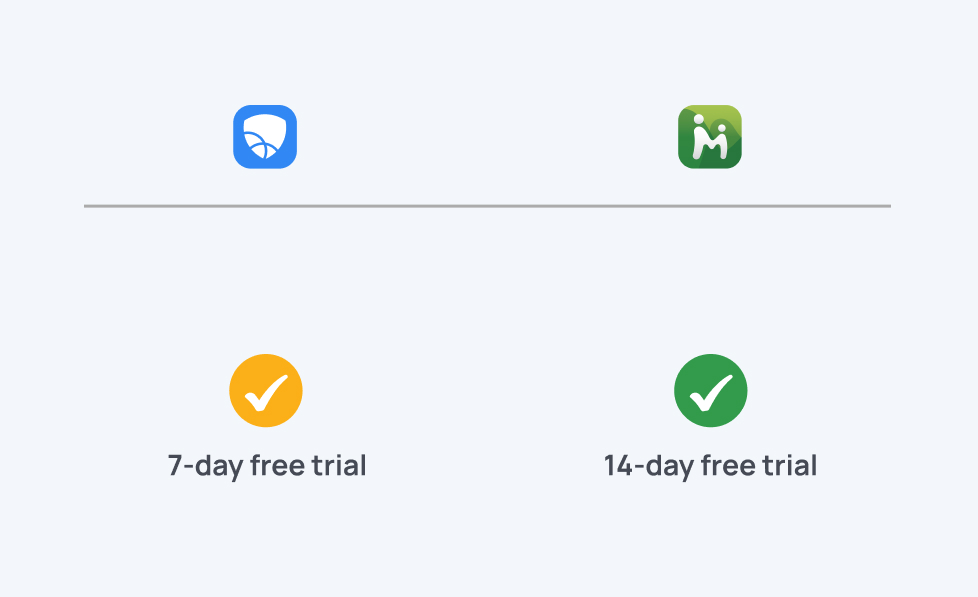
When choosing a parental control app, a free trial is a great way to test if the app is suitable to your needs.
Mobicip offers 7-day free trial.
MMGuardian offers 14-day free trial.
Ease of Setup
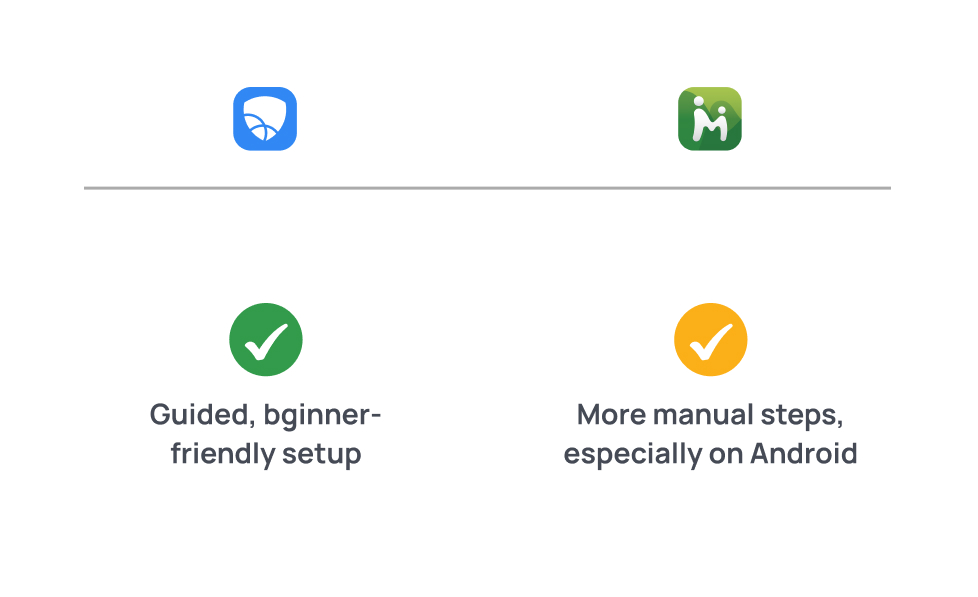
Quick setup helps parents get protection running fast without technical stress.
Mobicip: Guided, beginner-friendly setup across all devices.
MMGuardian: More manual steps, especially on Android.
Uninstall Protection
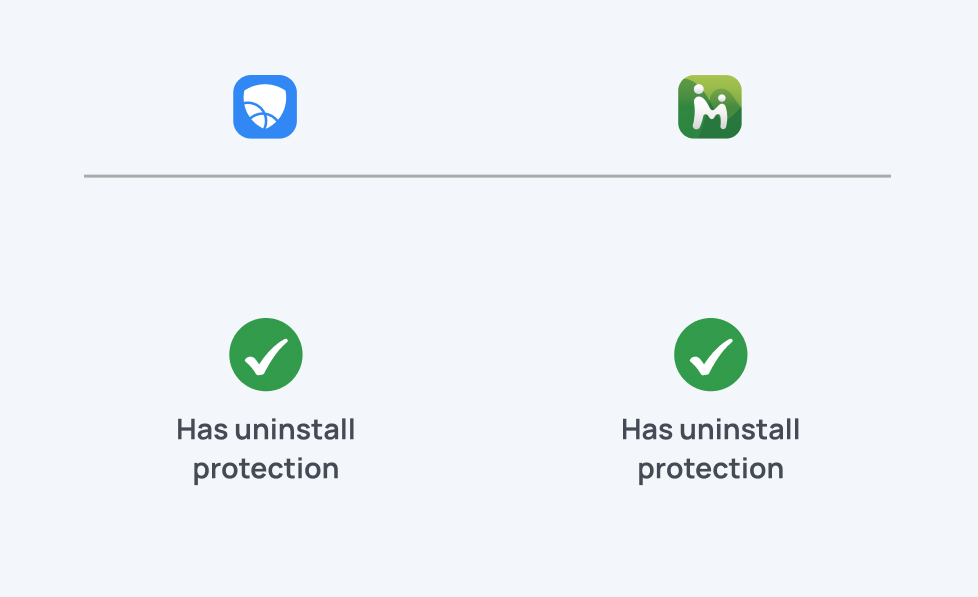
Uninstall protection keeps kids from removing the parental control app to bypass rules.
Mobicip: Has uninstall protection.
MMGuardian: Has uninstall protection (stronger on Android).
App Blocking
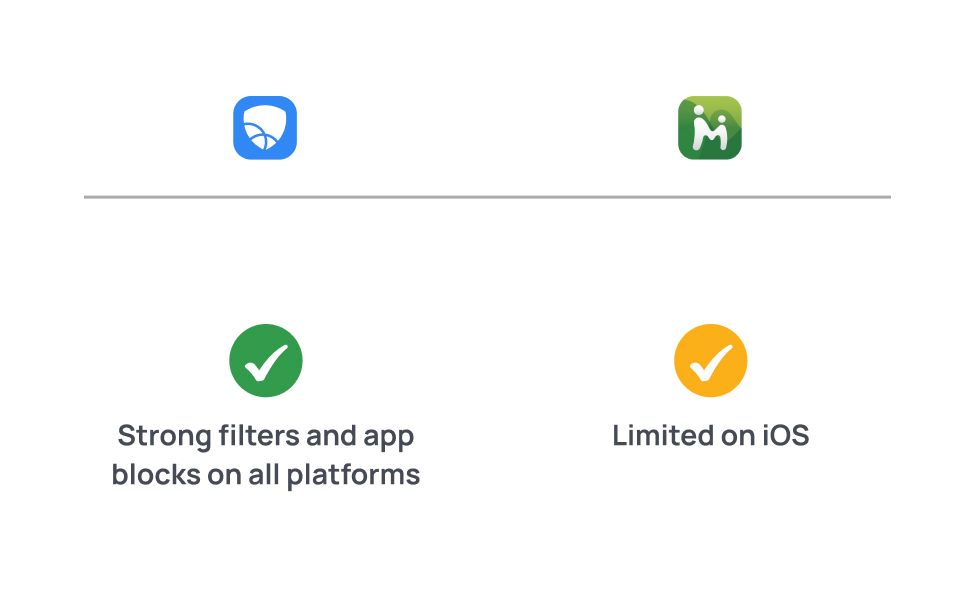
Strong filters and app blocks keep kids away from harmful or age-inappropriate content.
Mobicip: Flexible schedules, routines, and daily limits.
MMGuardian: Basic app usage limits; interface is more functional than visual.
Web Filtering & Safe Search
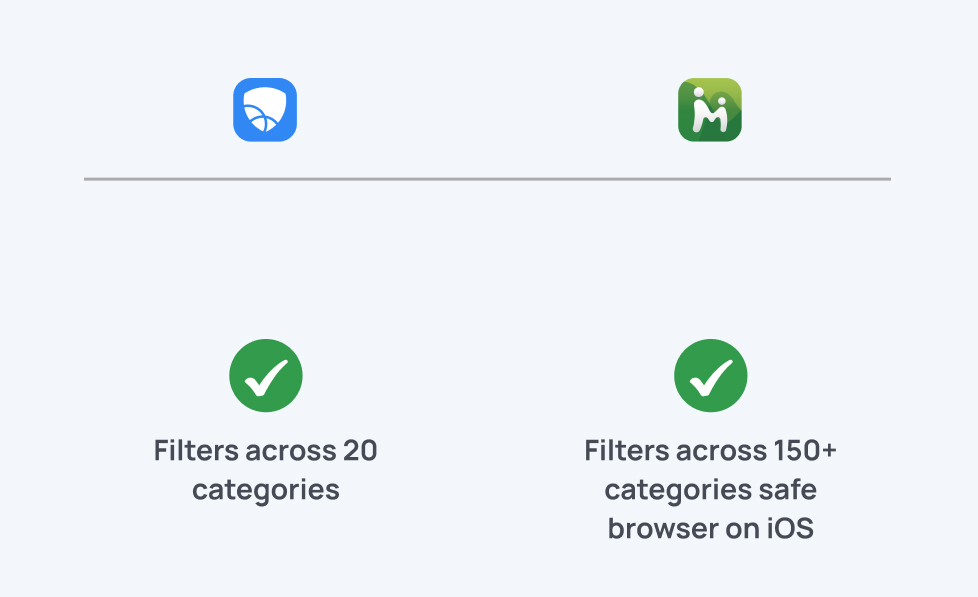
Strong filtering ensures kids only access age-appropriate websites and search results.
Mobicip: Filters across 20 content categories, includes profanity filtering, and works on iOS, Android, Windows, macOS, and Chromebooks.
MMGuardian: Filters using 150+ categories; works fully on Android browsers and via its Safe Browser on iOS.
Screen Time Management
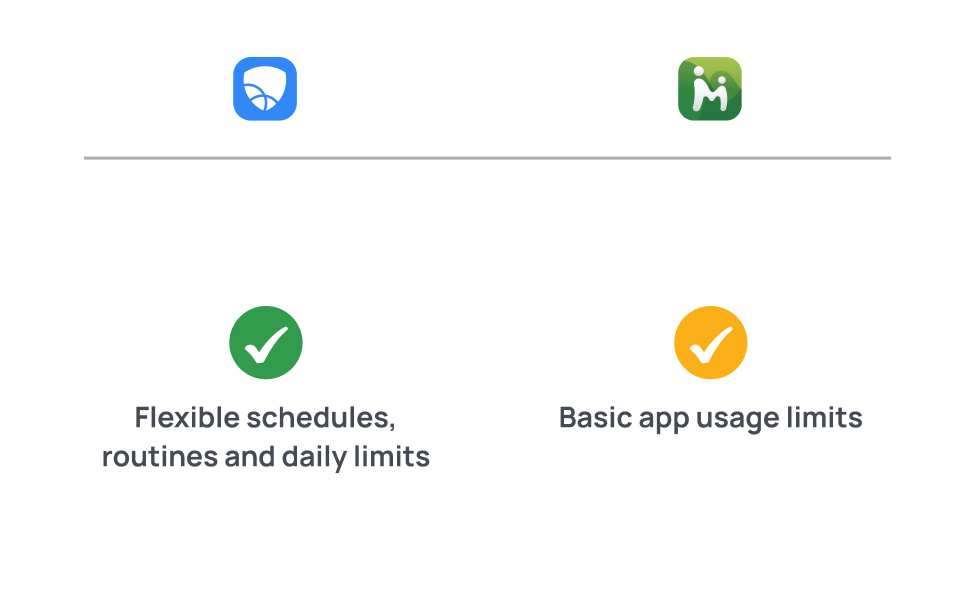
Healthy limits ensure kids balance school, sleep, and offline activities.
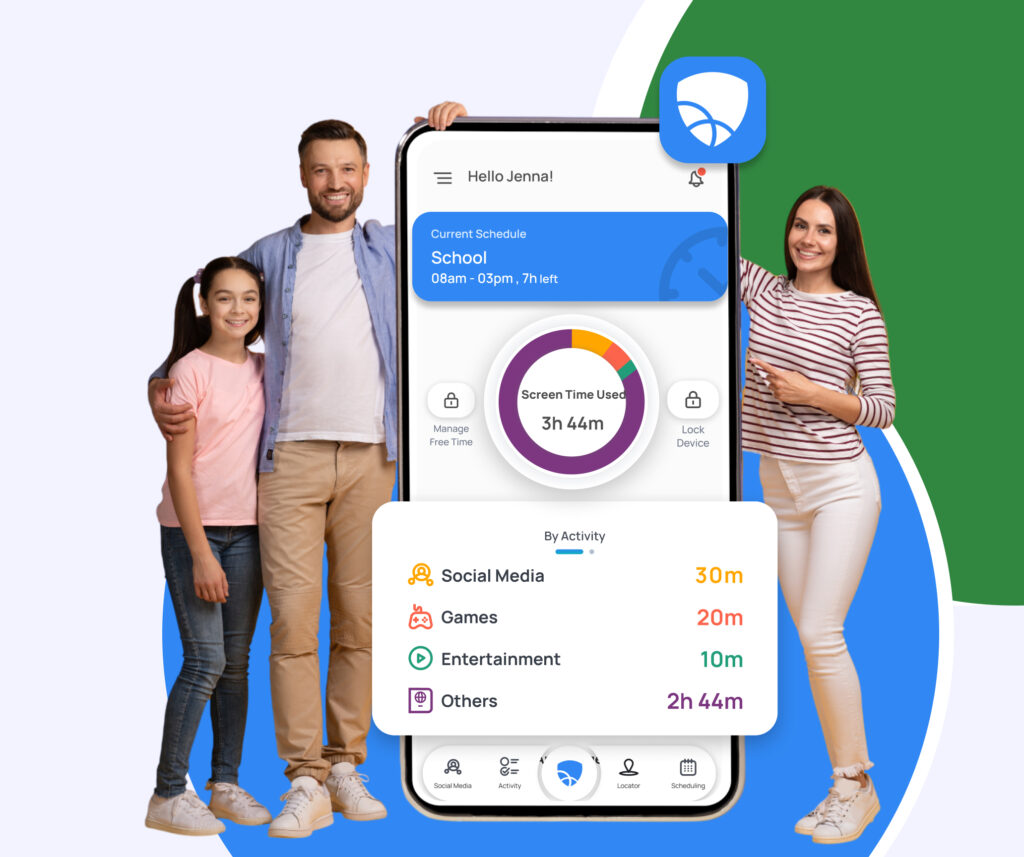
Mobicip: Flexible schedules, routines, and daily limits.
MMGuardian: Basic app usage limits; interface is more functional than visual
Activity Reports & Alerts
Smart alerts keep parents informed of risks without constant device checks.
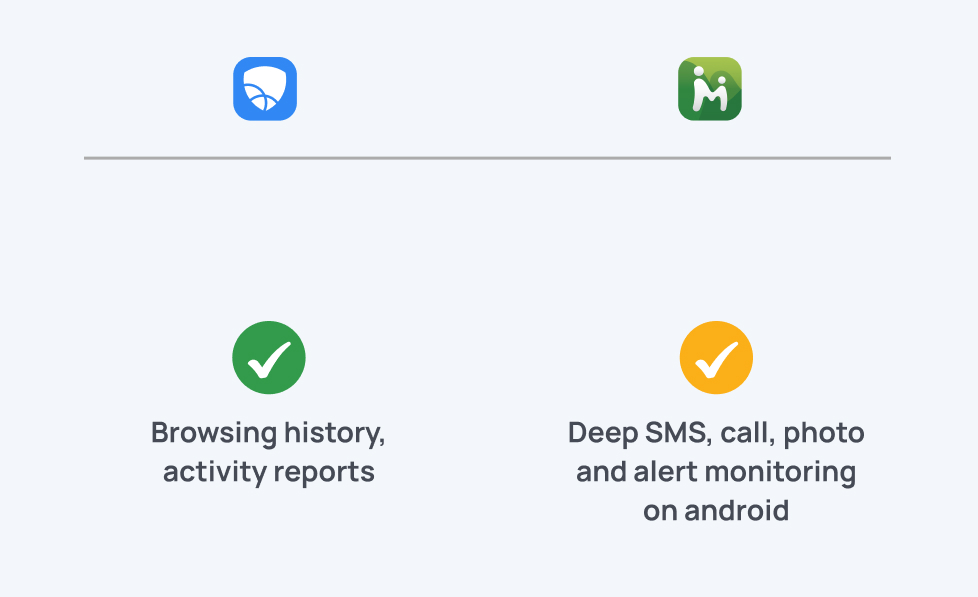
Mobicip: Browsing history, activity reports, and general supervision.
MMGuardian: Only deep SMS, call, photo, and alert monitoring on Android.
Social Media Monitoring
Monitoring social apps helps parents stay aware of what kids see, share, and experience online.
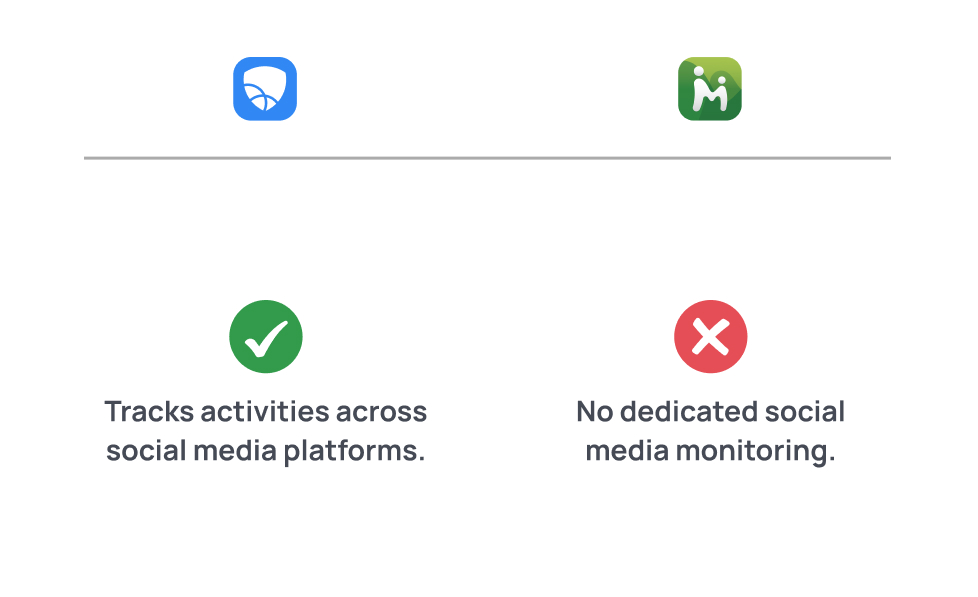
Mobicip: Tracks activities on Instagram, Facebook, and Snapchat; sends alerts for harmful content using AI-based scans.
MMGuardian: Does not offer dedicated social media monitoring; focuses mainly on SMS, calls, and app usage on Android.
Family Locator
Location tracking keeps you informed about where your child is and supports daily safety routines.
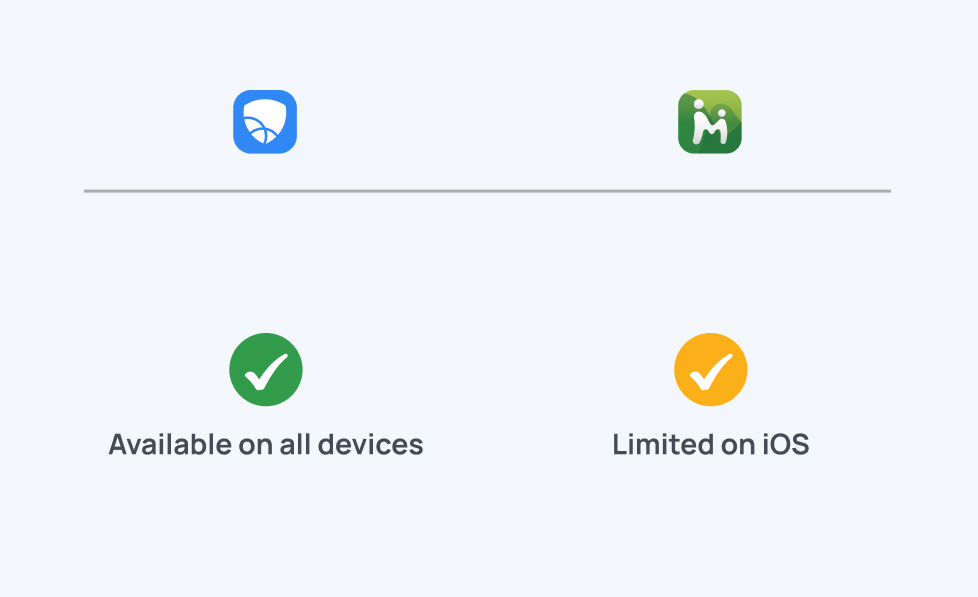
Mobicip: Offers real-time location tracking, location history, and reliable geofence alerts on all major platforms.
MMGuardian: Provides real-time location tracking and location history on Android; iOS location features are more limited.
Geofencing
Geofencing alerts you when your child arrives at or leaves important places like home, school, or a friend’s house.
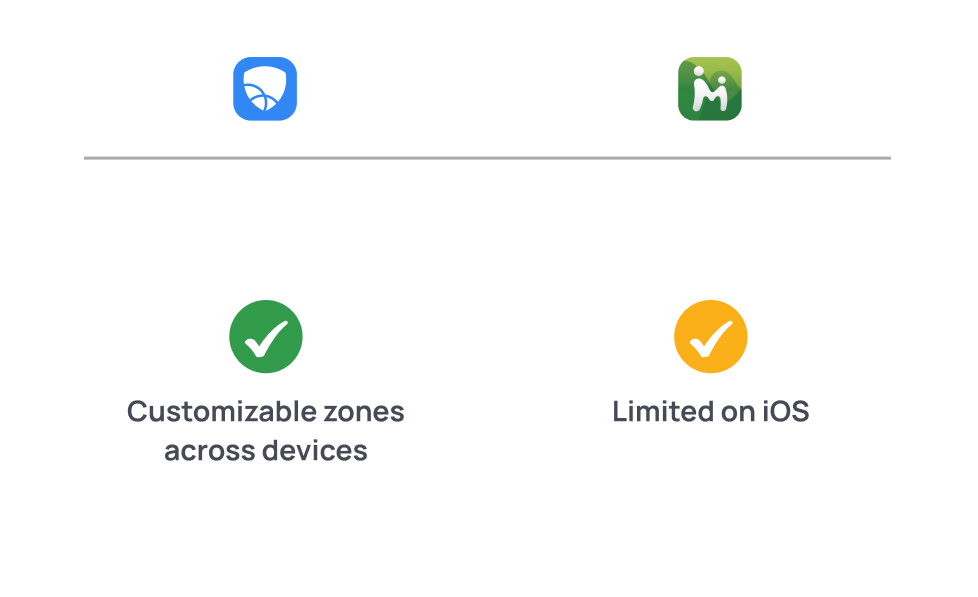
Mobicip: Lets you create customizable zones with adjustable radius settings and reliable notifications across devices.
MMGuardian: Offers geofencing on Android with location-based alerts; iOS functionality is more restricted.
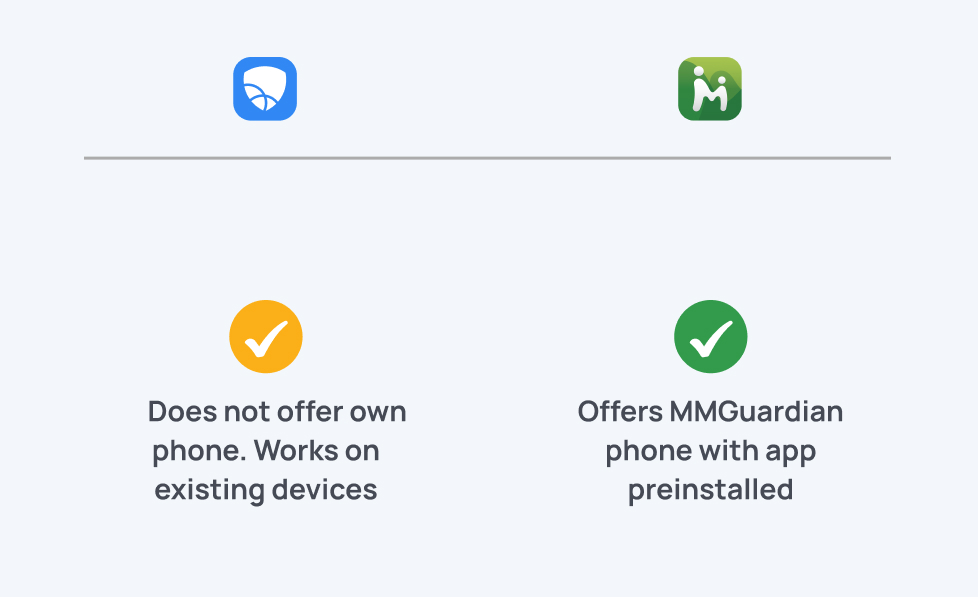
Dedicated Phone With Parental Controls
A dedicated kid-safe phone provides built-in restrictions, making supervision easier without relying solely on software.
Mobicip: Does not offer its own phone; works as an app on existing devices.
MMGuardian: Offers the MMGuardian Phone, an Android device with parental controls pre-installed and deeply integrated.
Customer Support
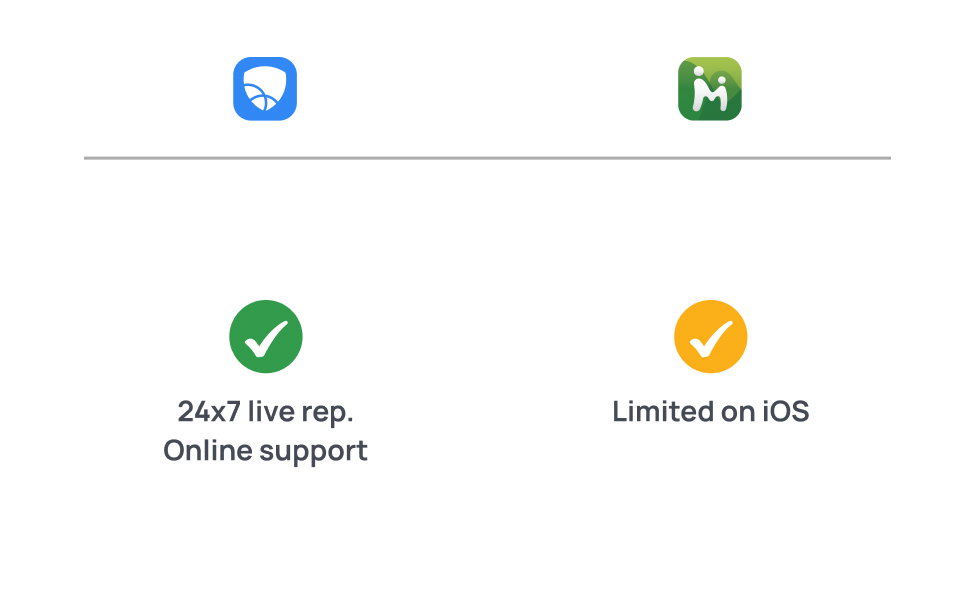
Reliable support helps parents troubleshoot issues and keep the system running smoothly.
Mobicip: Business hours help, 24/7 live representatives, online support.
MMGuardian: Online support.
Training
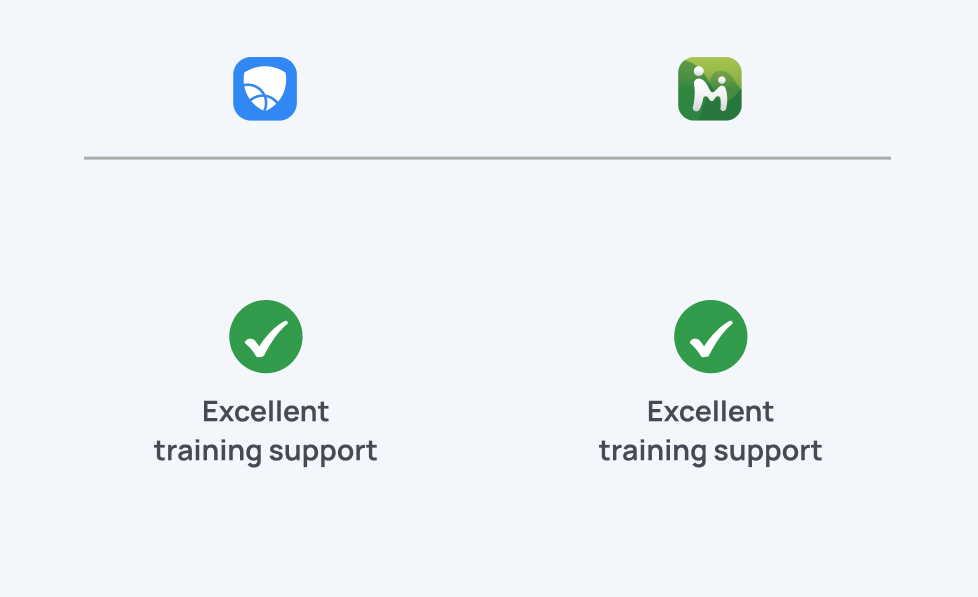
Clear training material helps even non-tech-savvy parents feel confident using the app.
Mobicip: Training documents and in-person support options.
MMGuardian: Training documents and in-person support options.
Resources
Rich resources help parents stay updated on digital risks and online safety trends.
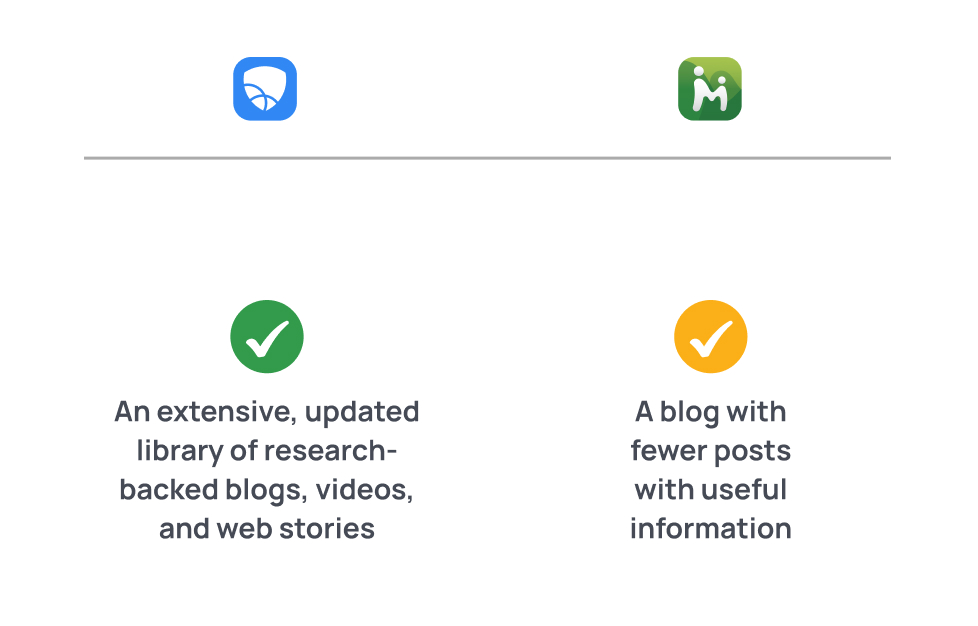
Mobicip: An extensive, regularly updated library of research-backed resources—blogs, videos, and web stories covering a wide range of parenting and online safety topics.
MMGuardian: A blog that offers helpful information, with fewer posts but still useful for parents exploring safety guidance.